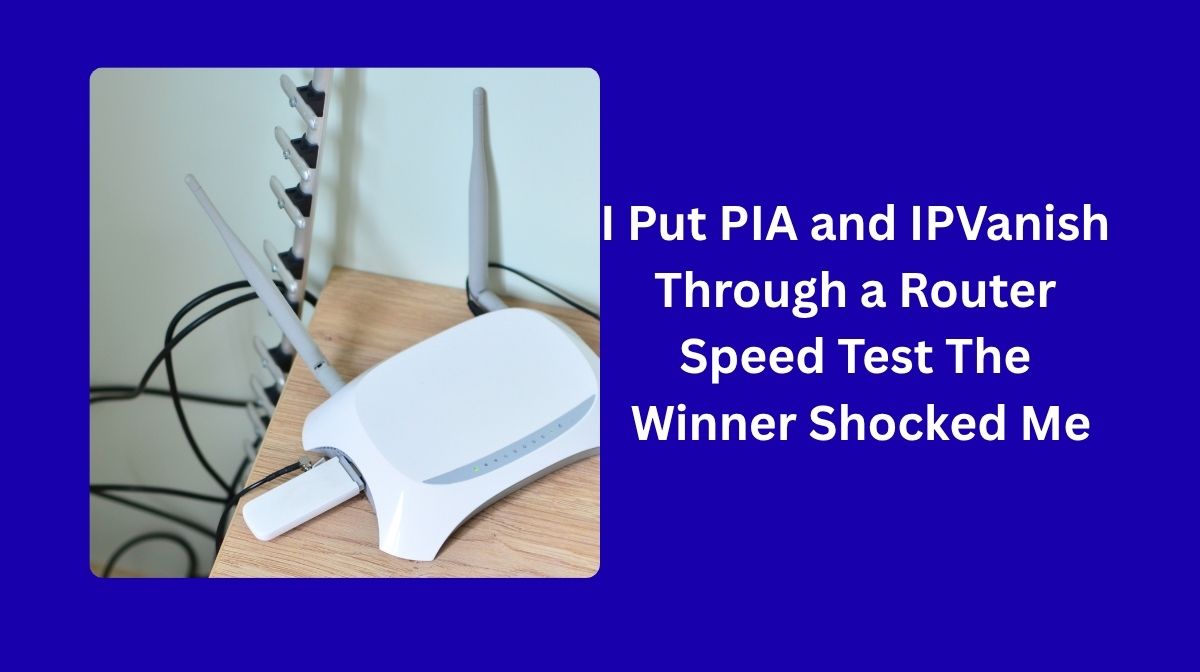
I Put PIA and IPVanish Through a Router Speed Test The Winner Shocked Me
Why a Router VPN Is the Smartest Way to Protect Your Entire Home, Setting up a VPN on your phone or laptop is great, until you realize everything else in your house is still exposed. Your console, your smart TV, even that voice assistant that swears it isn’t listening, all of it connects straight to the internet without protection. That’s where router VPNs come in.
You set it up once, and every device that touches your Wi-Fi gets encrypted traffic automatically.
Private Internet Access (PIA): Best for Control and Flexibility
If you like having control over how your VPN runs, Private Internet Access is a strong choice. It works with almost any router that supports OpenVPN or WireGuard, and the setup is straightforward.
You download a configuration file from your account, upload it to your router, and enter your login info. What makes PIA stand out is its flexibility. You can adjust encryption levels, change ports, and fine-tune performance to match your connection. It’s also fully open source, which means anyone can inspect the code. That transparency has made it one of the more trusted options among privacy-focused users.
Read More: American Trucks Coupon Code
PIA has one of the largest networks in the industry with over twelve thousand servers in more than ninety countries. That gives you plenty of room to find a nearby server and avoid congestion, even during peak hours. It now supports unlimited device connections, so you can protect your whole home network and still use it on your phone or laptop while you’re away.
Speeds are stable, and with WireGuard enabled, performance improves noticeably on newer routers. PIA takes a little more tweaking than something like ExpressVPN, but it rewards you with more control and transparency. If you prefer to set things up your own way, it’s a dependable and versatile router VPN.
IPVanish: Best for Large Households and Unlimited Devices
IPVanish is a good fit if you have a busy household or a lot of connected devices. It allows unlimited simultaneous connections, so once it’s set up on your router, every phone, console, tablet, and smart device in your home is protected automatically.
The setup process is simple. You download the configuration file from your IPVanish account, upload it to your router, enter your credentials, and activate it. From there, it quietly keeps everything on your Wi-Fi network encrypted. IPVanish supports both OpenVPN and WireGuard protocols.
If your router can handle WireGuard, you’ll notice a clear boost in speed and responsiveness. During testing, smooth performance was observed even with multiple 4K streams running at the same time.
One thing that stands out about IPVanish is that it owns and manages its entire network instead of renting servers. That gives it more control over performance and helps reduce third-party risks. The network itself is solid, around three thousand servers spread across more than a hundred countries.
Read More: Travelers Are Secretly Using These VPN Routers For Better Security
There’s no dedicated router app, but the setup guides are easy to follow, and once it’s installed, you don’t need to touch it again. It runs quietly in the background, securing everything that connects to your Wi-Fi.
If you’ve never set up a VPN on a router before, there’s a quick tutorial using IPVanish and an ASUS router that shows exactly how the process works step by step.
PIA vs. IPVanish: Which One Should You Choose?
So, which one is right for you?
PIA is great if you like control. You can tweak every little detail until it runs exactly how you want. IPVanish fits big households or anyone with a large number of connected devices. It handles them all without slowing down.
Whichever one you pick, the idea is the same: protect your entire network in one setup. Everything on your Wi-Fi stays private, encrypted, and ready to stream without restrictions.
Frequently Asked Questions (FAQ)
What is a router VPN?
A router VPN is a VPN installed directly on your router rather than on individual devices. Once set up, every device that connects to your Wi-Fi is automatically protected.
Does a router VPN slow down my internet?
There can be a slight impact on speed, but using the WireGuard protocol on a compatible router minimizes this. Both PIA and IPVanish show stable speeds with WireGuard enabled.
Which routers are compatible with PIA and IPVanish?
Both services work with routers that support OpenVPN or WireGuard protocols. Many popular router brands such as ASUS, Netgear, and Linksys support these protocols.
Does a router VPN protect all devices including smart TVs and consoles?
Yes. Any device that connects to your Wi-Fi, including smart TVs, gaming consoles, and smart home devices, will be protected without needing to install anything on those devices individually.
How many devices can I connect with PIA or IPVanish?
Both PIA and IPVanish support unlimited simultaneous device connections, making them suitable for households with many devices.
Do I need technical knowledge to set up a router VPN?
Basic technical comfort helps, but both PIA and IPVanish provide clear setup guides. IPVanish in particular has step-by-step tutorials, including one specifically for ASUS routers.
Conclusion
Stop installing VPNs on every device separately. Put one on your router and cover your whole home at once. Both PIA and IPVanish offer strong, reliable protection for your entire network, each with its own strengths. The best choice comes down to whether you prioritize fine-tuned control or effortless coverage for a large number of devices.